

Prerequisites
Before creating a simulation, you need:- A Well with basic depth data
- Directional Survey (recommended for deviated wells)
Create a Simulation
- Navigate to Wells and select your well
- Click the RodSim tab
- Click New Simulation
- Review the auto-generated name or add a description
- Click Create Simulation
If your well has an existing “installed” simulation, the new simulation copies its equipment configuration as a starting point.
Simulation Naming
PetroBench auto-generates names in this format:- XXX: Sequential design number
- YY: Iteration (increments when duplicating)
Next Steps
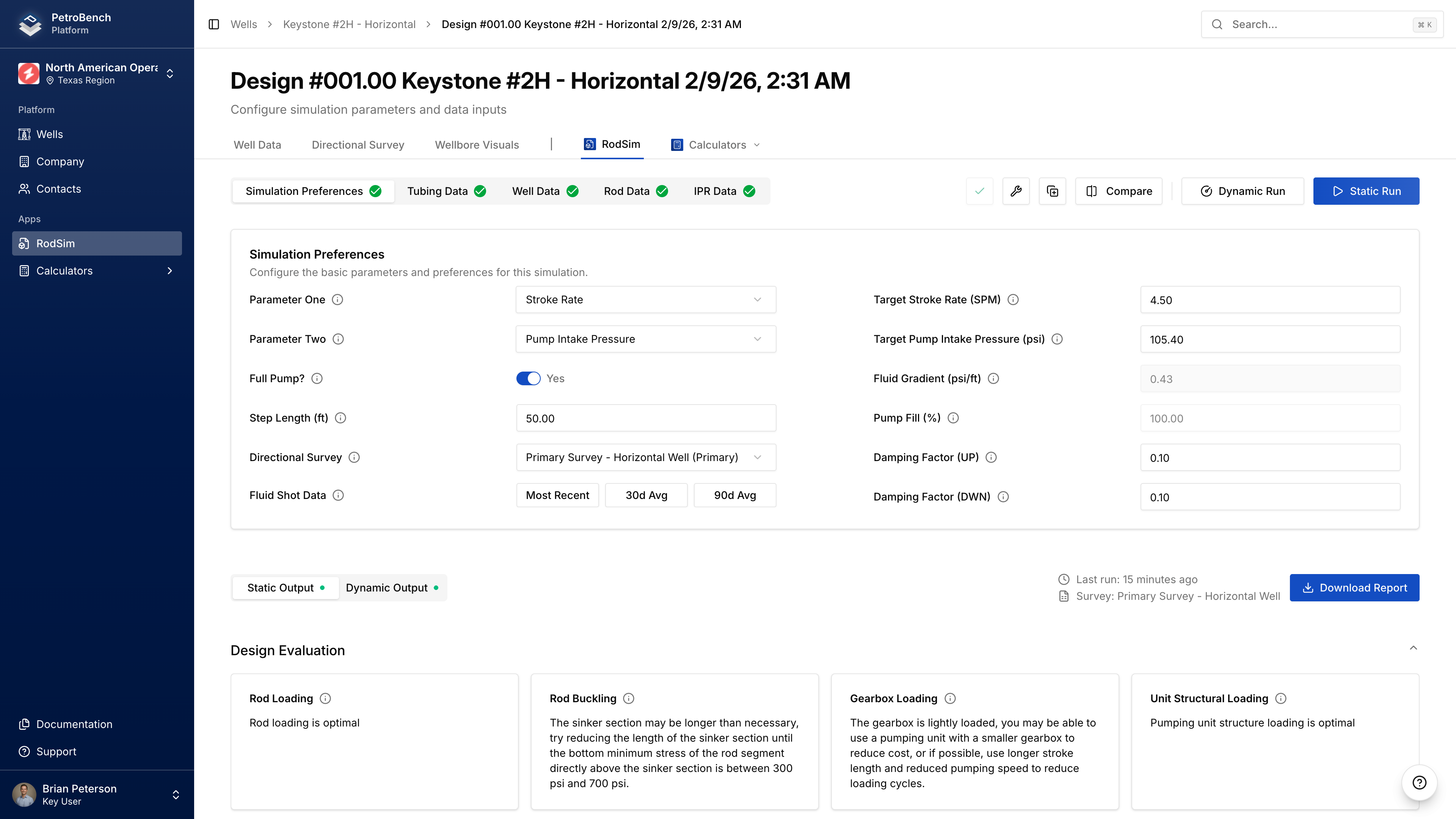
After creation, configure your simulation:- Configure simulation settings - Set targets, equipment, and fluid properties
- Run the simulation - Execute and view results